
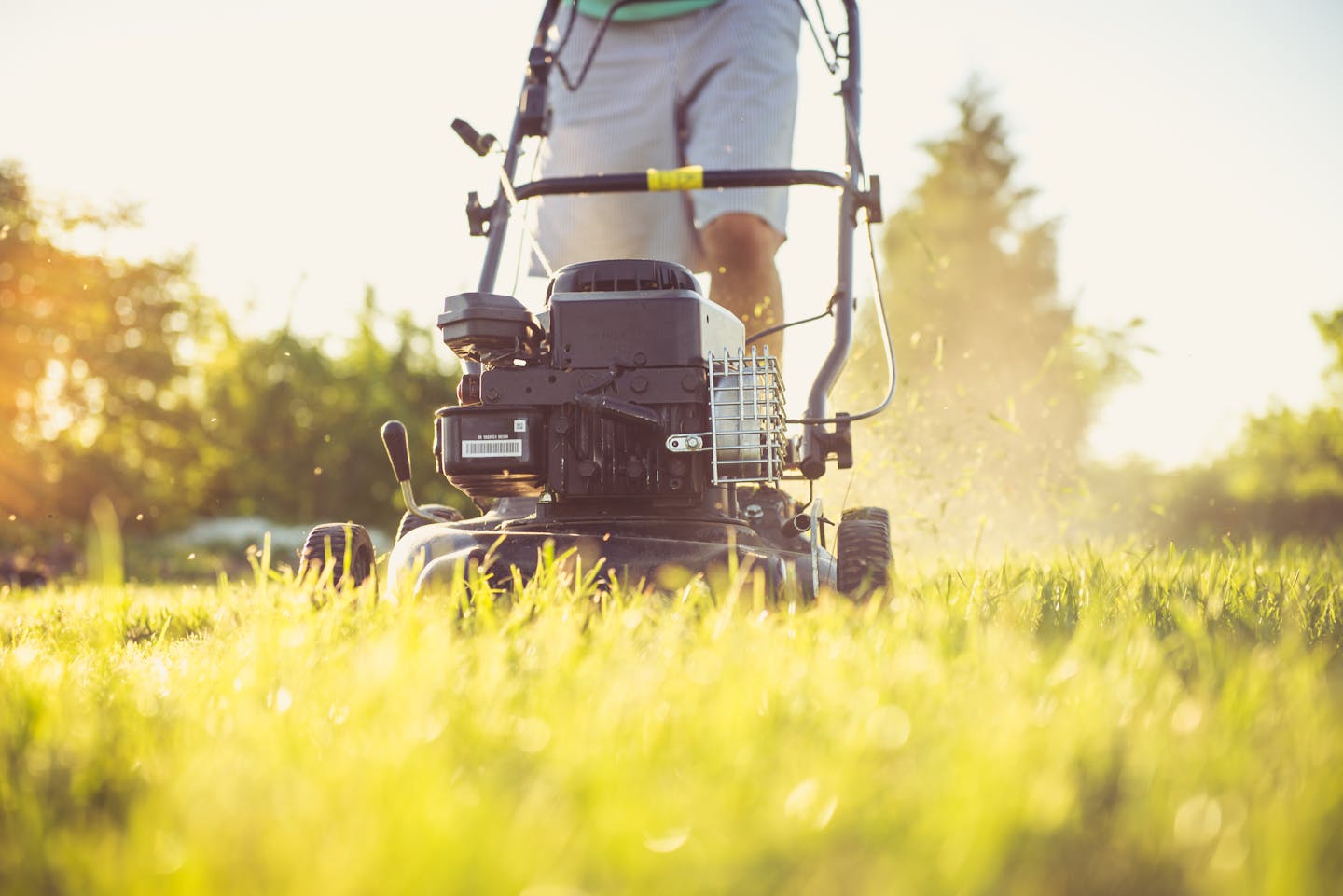
It’s 6:30 AM on Monday. You’ve got 3 crews, 40 weekly mowing stops, and a whiteboard in the shop that’s supposed to keep it all straight. By 9 AM, two things have already gone wrong: a customer on the south route cancelled but nobody told Crew B, and a new aeration upsell from last week never made it onto the schedule. Crew B mows an empty lot. The aeration customer calls your office wondering where you are. Your office manager spends the next hour putting out fires instead of sending invoices. This is exactly the kind of chaos that lawn care automation is built to eliminate.
This is what running a landscaping business on whiteboards and spreadsheets actually looks like. Not a catastrophe—just a constant, grinding drag on your time, your margins, and your sanity. Moreover, it gets worse every time you add a crew, a route, or a seasonal service.
The landscaping and lawn care industry runs on tight recurring schedules, razor-thin per-stop margins, and seasonal ramp-ups that can double your workload overnight. As a result, all three of those break down when they’re managed manually. The good news: the schedule-to-invoice pipeline is one of the most automatable workflows in any trade business. According to the National Association of Landscape Professionals (NALP), the industry employs over 1 million people—and administrative inefficiency is one of the top challenges for growing companies.
Key Takeaways
- A 2–3 crew landscaping operation can eliminate 10–15 hours/week of admin by automating the schedule-to-invoice pipeline
- Four lawn care automation workflows that transform operations: recurring schedule management, route optimization, batch invoicing, and seasonal upsell campaigns
- Route optimization alone can save 45–90 minutes of drive time per crew per day on a 40-stop weekly mowing route
- Automated seasonal upsells (aeration, spring cleanup, irrigation winterization) can generate $15,000–$40,000 in annual revenue from your existing customer base
The Admin Problem That’s Eating Your Margins
Landscaping margins are tight. A $45 weekly mowing stop doesn’t leave much room for inefficiency. When you’re spending 2 hours every Sunday night rebuilding routes, 3 hours every Friday generating invoices, and 30 minutes every morning fixing schedule conflicts—that overhead adds up to a second full-time employee you’re paying for in hidden costs.
Specifically, here’s where the time actually goes in a typical 2–3 crew lawn care operation:
- Route planning and adjustments: 3–4 hours/week (rebuilding routes after cancellations, new adds, rain days)
- Invoicing and payment tracking: 4–5 hours/week (generating invoices, matching to completed work, chasing payments)
- Customer communication: 2–3 hours/week (scheduling confirmations, reschedule requests, service reminders)
- Seasonal service coordination: 2–3 hours/week during transitions (upsell outreach, booking add-ons, updating service plans)
That’s 11–15 hours per week of admin work. For a small landscaping company, that’s either the owner’s evenings and weekends, or it’s a part-time office person you’re paying $18–$22/hour. Either way, it’s expensive—and lawn care automation can handle almost all of it.

Lawn Care Automation 1: Recurring Schedule Management
Lawn care is inherently recurring. Most of your revenue comes from customers who get the same service on the same day every week (or every two weeks) from April through October. Therefore, the schedule should run itself. In most landscaping companies, it doesn’t.
Automatic Rebooking
When a recurring customer’s service is completed, the next visit auto-schedules based on their service frequency. Weekly mow? Next Monday at the same position in the route. Bi-weekly? Two weeks out. As a result, the system doesn’t forget, doesn’t double-book, and doesn’t need someone to manually enter 40 appointments every Sunday night.
When a customer cancels or pauses, the slot opens up automatically. Similarly, when they restart, they slot back into their position. No manual shuffling, no forgetting to re-add them after vacation.
Rain Day Rescheduling
Tuesday is a washout. In a manual system, that’s a nightmare—40 stops need to be redistributed across Wednesday through Friday, customer notifications need to go out, and the rest of the week’s routes need reorganizing. Consequently, your office manager burns two hours on the phone and the whiteboard.
With automated scheduling, Tuesday’s stops shift to the next available day. Customers get an automatic text: “Due to rain, your mowing has been rescheduled to Wednesday. Same time window.” In addition, route positions adjust to maintain geographic efficiency. Nobody made a phone call. Nobody rewrote the whiteboard.
New Customer Onboarding for Lawn Care Automation
A new customer signs up for weekly mowing. The system identifies the best day and position in the route based on their address—not just “wherever there’s an opening,” but the slot that minimizes added drive time for the crew that’s already in their neighborhood. Then the service plan gets created, the first visit gets scheduled, and the welcome message goes out. The customer feels taken care of. The crew gets a route that still makes geographic sense.
Example: A lawn care company in Aurora runs 40 weekly mowing stops across 3 crews. Before automation, the owner spent 2–3 hours every Sunday night rebuilding the week’s schedule in a spreadsheet—accounting for cancellations, new customers, and the two-week rotation clients. After automating recurring schedules, Sunday night prep dropped to 15 minutes of reviewing an auto-generated schedule. That’s 10+ hours per month back in the owner’s life.
Lawn Care Automation 2: Route Optimization
Drive time is dead time. Every minute your crew spends on the road between stops is a minute they’re not mowing, trimming, or blowing—which means a minute you’re not billing for. On a 40-stop weekly route spread across a 15-mile service area, inefficient routing can easily waste 45–90 minutes per crew per day.
The 40-Stop Route Problem
Let’s say you have 40 weekly mowing accounts. On paper, you’ve assigned roughly 13 stops per day to each of your 3 crews. However, the assignments happened organically—customers were added to whichever day had room, not whichever day made geographic sense. Crew A starts in Highlands Ranch, drives 12 minutes to Centennial, back 15 minutes to Lone Tree, then 20 minutes to Parker.
That’s 47 minutes of driving between 4 stops. With optimized routing, those same stops are sequenced geographically: Highlands Ranch to Lone Tree to Centennial to Parker—18 minutes total. As a result, you just saved 29 minutes on 4 stops. Scale that across 13 stops per day and 3 crews, and you’re looking at 2–3 extra hours of productive time per day across your operation.
What Route Optimization Actually Does
Route optimization groups your stops by geography, sequences them to minimize backtracking, and rebalances across crews when stops are added or removed. When a customer cancels, the remaining stops re-sequence automatically. Likewise, when a new customer is added, they slot into the route at the position that adds the least drive time.
The result isn’t just saved fuel—though that matters too at $3.50+/gallon diesel. It’s more stops per day from the same crew. For a typical lawn care company, route optimization adds 1–3 additional stops per crew per day. At $45/stop, that’s $135–$405 in additional daily revenue per crew—from the same labor hours, the same equipment, and the same fuel budget.
Dynamic Rerouting With Lawn Care Automation
Routes don’t stay static. A customer pauses service for vacation. A new account gets added mid-week. A rain day pushes 8 stops to Thursday. In short, static routes break the moment something changes—and in lawn care, something changes every single week.
Automated route optimization handles these changes dynamically. The route recalculates whenever a stop is added, removed, or moved. As a result, your crews get an updated, optimized route every morning—no manual reorganization required.
Example: A 3-crew lawn care operation covering a 20-mile service radius optimized their weekly mowing routes. Average drive time per crew dropped from 2.1 hours/day to 1.3 hours/day—a 48-minute reduction per crew. That freed up enough time to add 2 stops per crew per day. At $45/stop, that’s an additional $270/day across all crews—$1,350/week or roughly $35,000 over a 26-week mowing season.
How much drive time are your crews burning on inefficient routes? We’ll look at your current routing and show you where the gaps are.
Lawn Care Automation 3: Batch Invoicing at End-of-Cycle
Invoicing is the biggest time sink in lawn care admin. You’re not sending one invoice for one big job like a roofer or electrician. Instead, you’re sending 40+ invoices every week (or every two weeks, or monthly) for relatively small amounts. Each one needs to reflect the services actually completed, any add-ons from that cycle, and the correct rate for that customer.
Doing this manually means your office manager spends every Friday afternoon cross-referencing completed work against the schedule, building individual invoices, and sending them one by one. For 40 accounts, that’s 3–4 hours minimum. Every single week.
How Automated Batch Invoicing Works
Service completed → Crew marks stop as done (via app or GPS-based check-in) → Completion logged automatically → At end of billing cycle, invoices generate in batch for all completed services.
Each invoice automatically includes: the services performed that cycle (weekly mow, edging, blowing), any add-on services (hedge trimming, bed cleanup), the customer’s contracted rate, and a tap-to-pay link. Then invoices send via text and email simultaneously. The entire batch—40 invoices—goes out in seconds, not hours.
Handling Exceptions in Lawn Care Automation
Not every stop is identical. Some weeks a customer adds leaf cleanup. Some customers are on contract pricing, others are per-visit. Additionally, some have credits from a skipped visit. Good automation handles all of this.
Add-on services get tagged to the stop when the crew logs completion. Contract customers get invoiced at their flat rate regardless of visit count. Furthermore, skipped visits (weather, customer request) are flagged and excluded from the invoice automatically. Any invoice that doesn’t match expected parameters—unusual amount, missing service log, customer with an outstanding balance—gets flagged for review instead of sent blindly.
For more on how automated invoicing works across the trades, see the hidden cost of manual invoicing.
Automated Payment Follow-Up
Invoice goes out. Three days later, no payment. Then an automatic reminder fires: “Hi [Name], just a heads-up that your lawn care invoice is ready. Tap here to pay: [link].” Seven days: another nudge. Fourteen days: escalation alert to your office. Most customers pay within the first two reminders—they didn’t ignore the invoice, they just forgot.
For a 40-account operation billing monthly, automated payment follow-up typically reduces average collection time from 18 days to 8 days. On a $7,200/month revenue base (40 customers x $45/week x 4 weeks), that’s $4,000+ in freed-up cash flow at any given time.
Example: A lawn care company sends invoices manually every other Friday. The office manager spends 3.5 hours generating, reviewing, and emailing 42 invoices. After switching to automated batch invoicing tied to crew completion logs, invoice generation dropped to a 10-minute review of auto-generated invoices before hitting “send all.” That’s 7 hours per month back—time the office manager now spends on customer retention and booking new accounts.
Lawn Care Automation 4: Seasonal Upsell Campaigns
Your existing customers are your best revenue opportunity. They already trust you. They already have you on their property every week. And most of them would say yes to seasonal services if you actually asked—but you don’t, because asking 40 customers individually about aeration takes hours nobody has.
The Seasonal Upsell Calendar
Landscaping has natural upsell moments throughout the year. Each one is a revenue opportunity that most companies miss because they rely on remembering to ask. Here is a season-by-season breakdown.
Early Spring (March): Spring cleanup, bed edging, mulch delivery and installation, pre-emergent application. “Hi [Name], spring’s almost here. Want us to add a spring cleanup to your first mowing visit? Reply YES for a quote.”
Late Spring (May): Irrigation system startup and inspection. “Time to fire up the sprinklers. Want us to do a startup and leak check? $75 flat rate for existing customers.”
Late Summer (August): Aeration and overseeding. “Fall is the best time to aerate and overseed. We’re booking September slots now—want us to add you to the schedule?”
Fall (October): Leaf removal, fall cleanup, gutter clearing. “Leaf season is here. Want us to include leaf cleanup with your regular mowing visits? We can add it for $X/visit.”
Late Fall (November): Irrigation winterization, snow removal contracts. “Freezing temps are coming. Let us blow out your sprinkler lines before the first hard freeze—$65 for existing mowing customers.”
How Lawn Care Automation Runs Seasonal Campaigns
Each seasonal campaign fires automatically based on the calendar. Every active customer on your mowing list receives a personalized text offering the relevant seasonal service. They reply YES or tap a link to book. Next, the service gets added to their next route visit or scheduled as a separate stop. No phone calls, no mailers, no forgetting to ask.
The math on seasonal upsells is compelling. Take aeration as an example.
Mowing customers: 40
Aeration price: $150 average
Conversion rate on automated text campaign: 30–40%
Revenue from one campaign: 40 x 35% x $150 = $2,100
Run 5–6 seasonal campaigns per year (spring cleanup, irrigation startup, aeration, leaf removal, winterization, snow removal contracts) and you’re looking at $10,000–$15,000 in additional annual revenue from customers you’re already servicing. That’s revenue with zero customer acquisition cost—they’re already yours.
For larger operations with 80–120 accounts, those numbers scale to $25,000–$40,000 in annual upsell revenue. All from a text message that took zero manual effort to send. For more on seasonal campaigns across the trades, see seasonal marketing campaigns that run themselves.
Example: A lawn care company with 55 mowing accounts ran an automated aeration campaign in late August. One text message to all active customers. 21 replied YES. At $160/yard, that’s $3,360 in aeration revenue booked in a single afternoon—with zero phone calls and zero mailers. The crew knocked out all 21 aerations over 3 days, adding $1,120/day in revenue on top of their normal mowing schedule.
The Combined Impact of Lawn Care Automation: 10+ Hours Back Per Week
Each of these automations saves time on its own. However, together they eliminate the admin layer that’s been eating your margins since you started the business.
- Recurring schedule management: Saves 3–4 hours/week of manual schedule building
- Route optimization: Saves 45–90 minutes of drive time per crew per day, adding 1–3 stops
- Batch invoicing: Saves 3–4 hours/week of manual invoice creation and delivery
- Seasonal upsells: Generates $10,000–$40,000/year in revenue with zero manual outreach
For a 2–3 crew operation, that’s 10–15 hours per week of admin work eliminated. That’s not a rounding error. Instead, it’s the difference between the owner working until 9 PM every night and leaving the shop at 5. It’s the difference between hiring a full-time office person and not needing one. Ultimately, it’s the margin that turns a surviving landscaping business into a profitable one.
“We’re Too Small to Need Lawn Care Automation”
This is the most common objection we hear from 2–3 crew landscaping companies. And it’s exactly backwards. You’re too small to waste time on admin. A 10-crew operation can absorb inefficiency because they have office staff, dispatchers, and dedicated billing people. In contrast, a 2-crew operation has the owner doing all of that—on top of running crews, selling jobs, and maintaining equipment.
Automation isn’t about being big enough to justify it. It’s about being small enough that every hour matters. When you’re the owner, the route planner, the invoicer, and the crew lead, getting 10 hours per week back isn’t a luxury—it’s the only way you scale without burning out.
The economics work at any crew count. For instance, a single-crew operation with 20 mowing accounts still spends 5–6 hours per week on schedule management and invoicing. Automating that gives the owner almost a full workday back every week. That’s time to sell more accounts, maintain equipment, or just go home at a reasonable hour. The U.S. Small Business Administration recommends that small business owners spend at least 20% of their time on growth activities—which is impossible when admin eats every spare hour.
“My Guys Just Use a Paper Route Sheet”
Paper route sheets work until they don’t. And they stop working the moment something changes—which, in lawn care, is every single day. A customer calls to skip this week. A new account needs to be added to Thursday’s route. Rain pushes Monday’s stops to Tuesday. Each change means updating the paper, calling the crew, and hoping the message gets through.
Paper route sheets also can’t close the loop between service completion and invoicing. When the crew finishes a stop and checks it off on paper, that information doesn’t flow anywhere. It sits in the truck until someone in the office manually enters it. That gap—between “work completed” and “invoice sent”—is where your cash flow bleeds.
Digital route management with automated invoicing closes that loop. Crew marks stop complete on their phone. Service logged. Invoice queued. End of cycle, batch invoices go out. In other words, paper becomes data. Data becomes revenue.
What You Need to Start Lawn Care Automation
You don’t need to replace everything at once. The schedule-to-invoice pipeline can be automated in stages, starting with whatever’s causing the most pain.
First, you need a scheduling tool your crews can access. This can be a CRM with a mobile app (Jobber, LMN, Service Autopilot) or even a shared calendar. The key requirement is that crews can mark stops as completed from the field. That’s the data point everything else builds on.
Second, you need a customer list with contact info and service plans. You already have this—it’s just scattered across spreadsheets, text messages, and sticky notes. Consolidating it into one system is the first step. CRM automation for trade contractors covers where to start.
Third, you need a texting number for customer communication. Seasonal upsell campaigns and service notifications go via text because that’s where the response rates are. A dedicated business texting number keeps it professional and trackable.
That’s the foundation. From there, each lawn care automation layer builds on the last: scheduling feeds route optimization, route optimization feeds completion tracking, completion tracking feeds invoicing, and your customer list feeds seasonal campaigns. It’s one connected pipeline instead of five disconnected manual processes.
Keep Reading
- CRM Automation 101 for Trade Contractors — Start here if your customer data lives in multiple places.
- The Hidden Cost of Manual Invoicing — The invoicing problem applies to every trade—here’s the full breakdown.
- HVAC Dispatch Automation: Stop Losing Jobs to Scheduling Gaps — Route-based scheduling for service trades.
- The ROI of Automation for Trade Businesses — Calculate the payback for your specific operation.
- What Happens When Your Office Manager Takes a Vacation? — Why your processes need to survive without any one person.
Take the Admin Off Your Plate
You started a landscaping business because you’re good at the work—not because you love spending Sunday nights building route sheets and Friday afternoons generating invoices. The schedule-to-invoice pipeline is the backbone of your operation, and right now it’s running on manual labor that doesn’t need to be manual.
Every hour you spend on admin is an hour you’re not spending on growth—selling new accounts, training crews, or expanding into new services. Lawn care automation gives you those hours back without adding headcount.
Book a free 15-minute workflow fit check. We’ll look at your current schedule-to-invoice process, identify where the biggest time drains are, and map out which automations would have the most impact for your crew size and customer count—whether you’re running Jobber, LMN, Service Autopilot, or a spreadsheet.
No contracts. No subscriptions. Just a plan to run your landscaping business without the office chaos.