
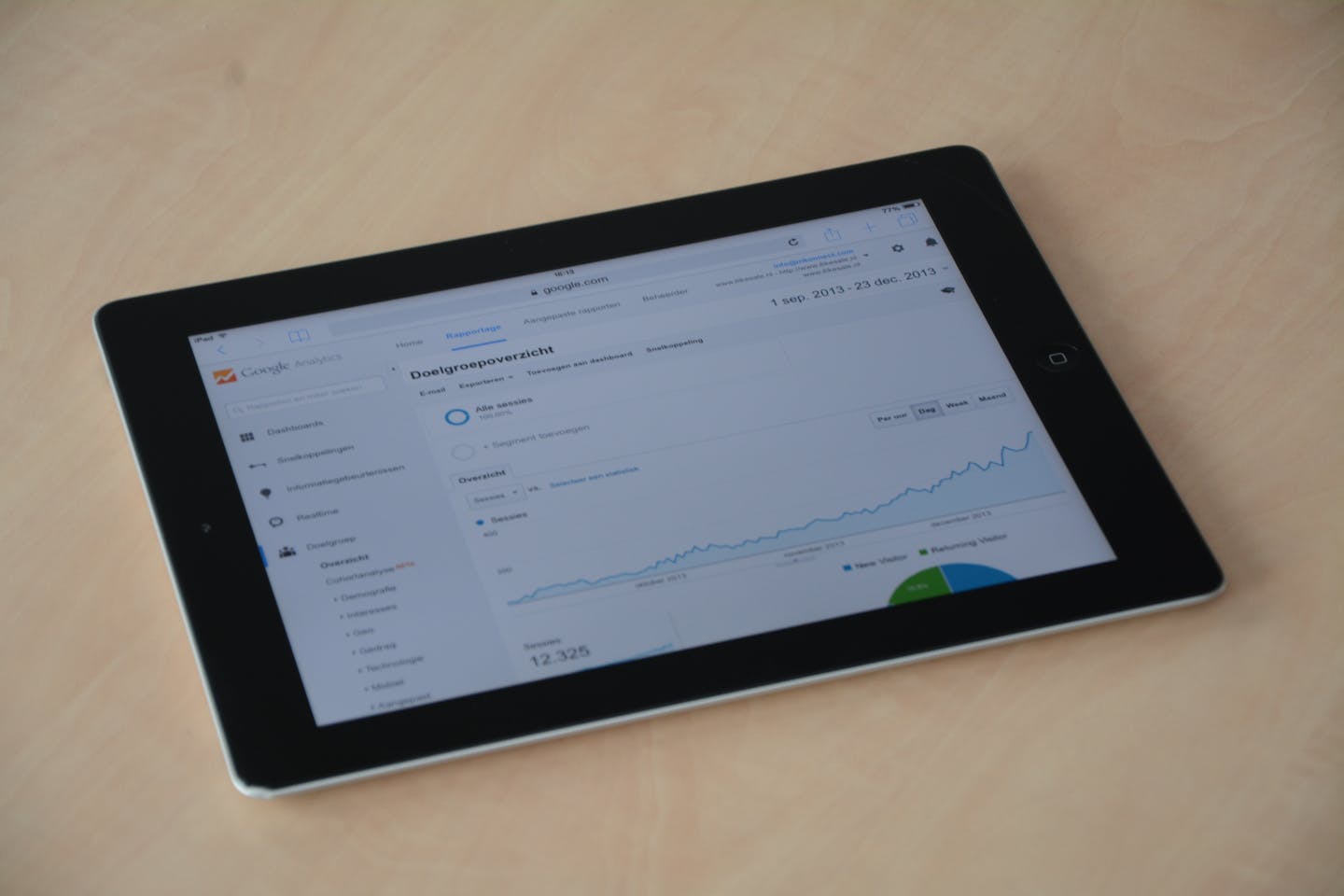
Automated reporting for contractors solves a problem most business owners don’t even realize they have. Ask a contractor how last month went and you’ll get a gut feeling, not a number. Revenue was “pretty good.” Close rate was “probably okay.” Response time? “We’re getting back to people.”
That’s not a knock on anyone. It’s simply what happens when pulling reports means logging into four different tools, exporting spreadsheets, and trying to piece together a picture that’s already two weeks old by the time you see it.
Automated reporting fixes that. Not with fancy BI software or expensive dashboards — but with simple, scheduled data pulls that show you the numbers that actually matter, delivered to you without effort.
Key Takeaways
- Most contractors run on gut feel because pulling reports is too painful — automated reporting for contractors eliminates that friction entirely
- Six key metrics every trade business should track: lead-to-close rate, average ticket value, revenue per tech, response time, review rating trend, and estimate close rate
- Automated reporting pulls data from your CRM, invoicing, and phone system into a single view — updated nightly without manual work
- Visibility drives decisions: you can’t fix problems you can’t see, and you can’t double down on what’s working if you don’t know what’s working
Why Manual Reporting Fails for Trade Businesses
It’s not that contractors don’t want to see their numbers. Instead, it’s that the process of getting those numbers is too painful to sustain.
Here’s what manual reporting typically looks like for a trade business:
- Revenue and invoicing data lives in QuickBooks
- Job and scheduling data lives in your CRM (Jobber, Housecall Pro, ServiceTitan)
- Call data lives in your phone system or answering service
- Review data lives on Google, Yelp, and Facebook
- Marketing data lives in your email platform or Google Ads
To get a complete picture, someone needs to log into all of these, export data, cross-reference it, and build a report. That process takes 2 to 4 hours. As a result, nobody has that kind of time on a weekly basis, so the reports either don’t happen or they’re so infrequent they’re useless for decision-making.
Consequently, you end up running a business on gut feel and anecdotes. And gut feel is wrong often enough to be expensive.
The Six Metrics Contractors Should Track with Automated Reporting
You don’t need 50 KPIs on a fancy dashboard. In fact, you only need six numbers that tell you whether your business is healthy, growing, or bleeding money.
1. Lead-to-Close Rate
What percentage of leads become paying customers? If it’s below 25%, you likely have a follow-up problem. If it’s above 50%, you might be underpricing. Therefore, track it weekly to spot trends before they become crises.
2. Average Ticket Value
Your average invoice amount, tracked weekly or monthly. Rising ticket values mean your upselling or service mix is improving. On the other hand, declining values might signal you’re taking on lower-margin work.
3. Revenue Per Technician
Total revenue divided by the number of techs producing it. This metric tells you whether adding staff generates proportional revenue — or if you have a productivity or scheduling problem.
4. Average Response Time
How long between a lead contacting you and your first response. Under 5 minutes is great. Over 30 minutes means you’re losing leads to faster competitors. Missed-call text-back is the fastest fix for this metric.
5. Google Review Trend
Not just your current rating, but the trend over time. How many reviews this month vs. last month? Is your average rating holding steady or slipping? Automated review requests keep the flow consistent. Most importantly, reviews are a leading indicator of future lead volume.
6. Estimate Close Rate
What percentage of estimates you send turn into jobs? Track by service type and by estimator if you have multiple. For example, a 10% difference in close rate between two estimators might reveal a training opportunity worth thousands.
How Automated Reporting for Contractors Actually Works
Automated reporting isn’t a product you buy off the shelf. Instead, it’s a system that connects the tools you already use and pulls key data into one place on a schedule.
Here’s what a typical setup looks like for a trade business:
- First, data sources are connected. Your CRM, QuickBooks, phone system, and Google Business Profile link to an automation platform such as Make, n8n, or Zapier.
- Next, data pulls run on a schedule. Every night or every Monday morning, the system queries each tool for key metrics: new leads, closed jobs, invoices sent, payments received, calls handled, and reviews posted.
- Then, data compiles into a single report. Numbers flow into a Google Sheet, a simple dashboard, or a weekly email and Slack summary.
- Finally, the report delivers automatically. You wake up Monday morning to a summary of last week’s performance sitting in your inbox. No logging in, no exporting, no assembling.
According to the U.S. Small Business Administration, tracking financial performance regularly is one of the most important habits for small business survival. Automated reporting for contractors makes that habit effortless.
Example weekly report for a 5-tech HVAC company: “Last week: 42 new leads (up 12% from prior week), 28 estimates sent, 16 jobs closed (57% close rate), $47,200 invoiced, avg ticket $2,950, 6 new Google reviews (4.8 avg), avg response time 3.2 minutes. Estimate close rate by tech: Mike 68%, Sarah 54%, Dave 41%.”
That’s the kind of insight that changes how you run your business. And it arrives automatically, every week, without anyone spending a single minute building it.

Want to see your business numbers without pulling a single report? We’ll show you what’s possible with the tools you already have.
What Automated Reporting Enables for Contractors
Numbers without action are just numbers. However, here’s what real visibility actually enables:
Spot Problems Early
If your close rate drops from 45% to 30% over three weeks, something changed. Maybe a competitor entered the market. Maybe your pricing is off. Perhaps a specific estimator is struggling. Without tracking, you don’t notice until revenue dips two months later. In contrast, with automated reporting you see the problem in week one and can investigate immediately.
Invest Marketing Budget Wisely
For instance, when you can see that Google Ads generates leads at $45 each that close at 40%, while Yelp leads cost $80 and close at 15%, the budget decision is obvious. But without automated lead source tracking and close rate reporting, you’re guessing which marketing channels work.
Hold Your Team Accountable (Fairly)
Revenue per tech and close rate by estimator aren’t punitive metrics. In fact, they’re coaching opportunities. If Dave’s close rate is 20 points below the team average, that’s a conversation about training and support — not blame. Nevertheless, you can’t have that conversation without the data.
Prove ROI on Every Investment
New automation project? New marketing channel? New hire? With baseline metrics already tracked through automated reporting, you can measure the actual impact of every investment. See the real ROI numbers for trade businesses. For example, “Our close rate went from 35% to 48% after implementing estimate follow-up automation” is far more convincing than “I think it’s helping.”
What a Simple Contractor Reporting Dashboard Looks Like
This doesn’t need to be complex. A Google Sheet or a simple web dashboard with the following rows is more than enough for most trade businesses:
Weekly Dashboard Layout:
- Row 1 — Lead Pipeline: New leads this week | Lead source breakdown | Response time average
- Row 2 — Sales: Estimates sent | Estimates approved | Close rate | Total approved value
- Row 3 — Revenue: Jobs completed | Revenue invoiced | Revenue collected | Outstanding receivables
- Row 4 — Team: Revenue per tech | Jobs per tech | Close rate per estimator
- Row 5 — Reputation: New reviews | Average rating | Total review count
Scanning this takes about 30 seconds every Monday morning. As a result, it replaces hours of manual report-pulling and gives you better insight than you’ve ever had.
Getting Started with Automated Reporting for Contractors
You don’t need to build the full dashboard on day one. Instead, start small:
- First, pick your top two metrics. For most contractors, that’s lead-to-close rate and average response time.
- Next, identify where the data lives. Which tools have the numbers you need? Your CRM probably has lead and estimate data. QuickBooks has revenue data.
- Then, set up a weekly pull. Either DIY with Make or Zapier, or have someone build it for you. The goal is two numbers, delivered automatically every Monday.
- Finally, expand as you learn. Once you’re used to seeing two metrics weekly, add two more. Build the dashboard incrementally based on what’s actually useful.
The biggest mistake is trying to track everything at once. Above all, start with the numbers that will change how you make decisions this week.
Additionally, for a comprehensive overview of how all these automations fit together, read our Complete Guide to Business Automation for Trade Contractors. You can also check out the Contractor’s Automation Checklist to see what else you can automate beyond reporting.
Stop Flying Blind
You wouldn’t drive a truck with no gauges. Yet that’s essentially what running a trade business without reporting looks like — you find out about problems only when they’ve already cost you money.
Automated reporting for contractors gives you those gauges. Not complicated ones — just the numbers that matter, delivered without effort, so you can make better decisions faster.
If you want help setting up automated reporting for your business — or if you want to start with the automations that generate data worth reporting on — book a free 15-minute fit check. We’ll look at what you’re tracking now, what you should be tracking, and how to get there without adding any manual work.
No contracts. No pressure. Just visibility you’ve never had.